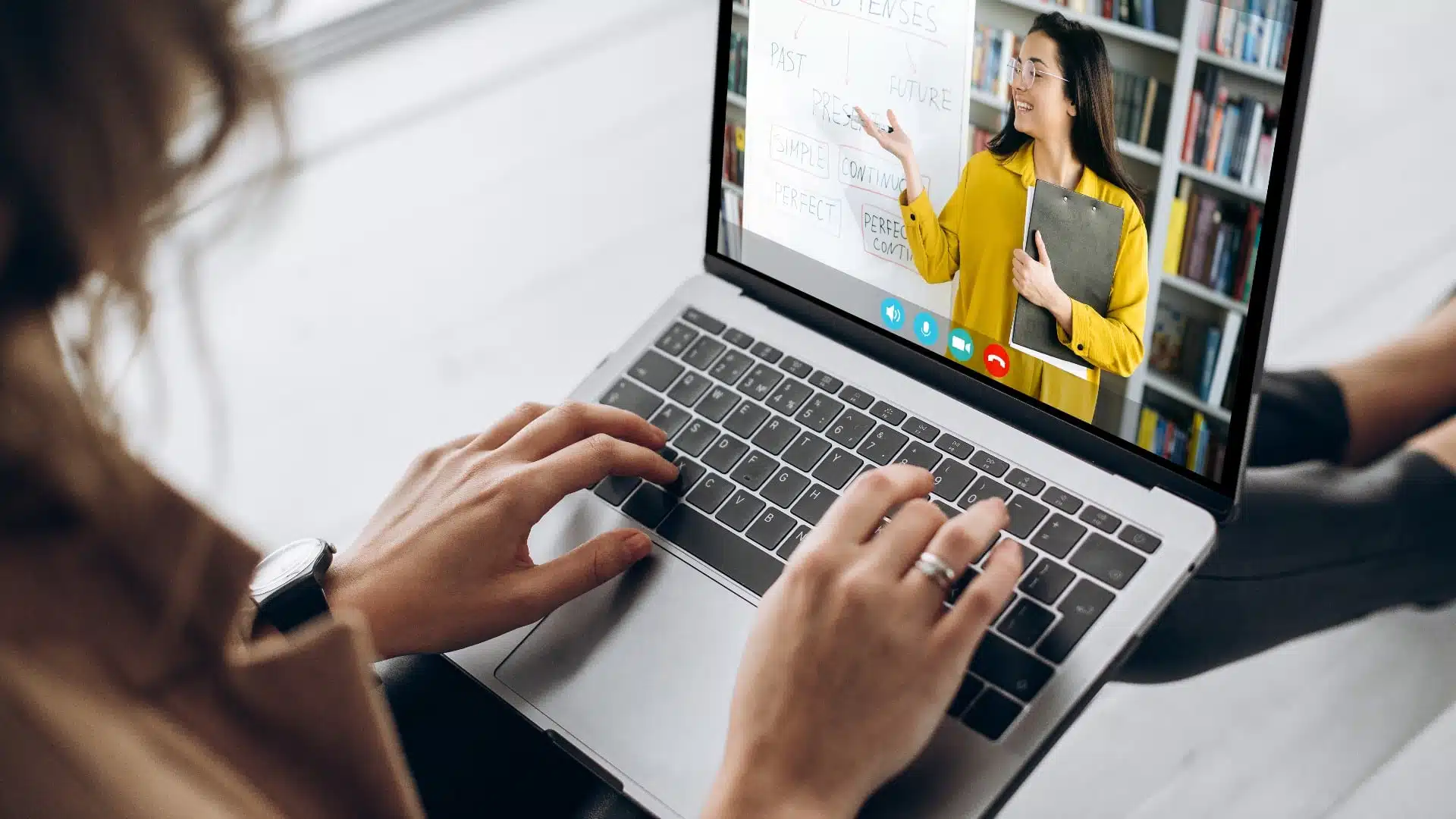
Hey there. Have you ever scrolled through your feed and stumbled on a live video where someone is just… answering questions? Not selling anything, not putting on a big show—just having a real, helpful conversation with the people watching.
That magic? That’s the power of Video Q&A.
It’s not a new gimmick. Think about it: it’s the digital version of a town hall meeting, a classroom discussion, or a coffee chat. But in 2024, with over 82% of all consumer internet traffic coming from video, and platforms like YouTube and TikTok prioritizing live, interactive content, it’s become one of the most genuine ways to connect.
In this guide, we’ll walk through everything. What video Q&A really is, why it works so well, and how you can run one that feels effortless and authentic. No jargon, no overcomplicating things. Just clear, actionable advice.
What Exactly Is a Video Q&A?
At its heart, a Video Q&A is a simple format. You invite your audience to ask you questions, and you answer them on video. The “video” part is key—it adds the nuance of your voice, your facial expressions, and a sense of “being there” that text simply can’t match.
It can take a few shapes:
-
Live & Interactive: You go live on Instagram, LinkedIn, or YouTube and answer questions as they pop up in the comments. It’s spontaneous and exciting.
-
Pre-Recorded: You collect questions ahead of time (via email or social posts), then film yourself answering the best ones. This gives you more control and polish.
-
Hybrid: You host a live session but also source questions beforehand to kick things off and avoid the dreaded silence!
Whether you’re a marketer trying to build trust for a brand or a creator building a loyal community, this format puts the focus squarely on your audience’s curiosity. You’re not broadcasting at them; you’re having a dialogue with them.
Why Bother? The Real Benefits of Video Q&A
If it sounds simple, that’s because it is. And that’s its superpower. Here’s why dedicating time to a video Q&A session is worth it:
1. It Builds Unshakeable Trust and Likeability.
People buy from and follow people they know, like, and trust. A video Q&A shows the person behind the logo. You get to be helpful, show your expertise naturally, and even laugh at yourself if you fumble a word. This authenticity is gold. A 2023 survey by Wyzowl found that 91% of consumers want to see more online video from brands, with authenticity being a top driver of engagement.
2. It’s a Content Goldmine (Seriously!).
One 45-minute live session isn’t just one piece of content. It’s a treasure trove. You can:
-
Clip the best answer into a short, viral-ready TikTok or Reel.
-
Transcribe it into a detailed blog post.
-
Pull audio for a podcast episode.
-
Use the questions themselves to brainstorm future content.
3. You Learn What Your Audience Actually Cares About.
The questions people ask are a direct line into their biggest problems, fears, and interests. This is invaluable market research you can’t get from an analytics dashboard alone.
4. It Boosts Your Visibility.
Live video often gets priority from social media algorithms. Platforms want to keep users engaged, and a live, interactive session does just that. Notifications go out, and people who join live are more likely to comment and share, sending positive signals to the algorithm.
Your Step-by-Step Blueprint to a Great Session
Feeling ready? Let’s break down how to run a smooth, engaging Video Q&A from start to finish.
Phase 1: The Preparation (Don’t Skip This!)
Failing to prepare is preparing to… have a stressful time. A little planning makes all the difference.
-
Pick Your Topic & Goal: “Ask Me Anything” can work, but a themed session often performs better. It gives people a starting point. Think: “Q&A on Starting a Newsletter,” or “Ask Me About Social Media Algorithms.” Your goal might be to grow your email list, promote a new free resource, or simply connect with 50 people deeply.
-
Choose Your Platform: Where does your audience already hang out?
-
Instagram Live: Great for a casual, personal feel.
-
YouTube Live: Ideal for longer, more in-depth talks and evergreen discoverability.
-
LinkedIn Live: Perfect for B2B and professional topics.
-
Tools like StreamYard: Lets you broadcast to multiple platforms (like YouTube and LinkedIn) at once and have a professional multi-screen setup.
-
-
Gather Questions Early: Avoid the “crickets” moment. A day or two before, post on your social channels or send an email: “I’m hosting a live Q&A on [topic] this Thursday! What’s your #1 burning question? Drop it below, and I might answer it live.” This guarantees you have material to start with.
Phase 2: The Technical Setup (Keep It Simple)
You don’t need a Hollywood studio.
-
Audio is King: Please, use a microphone. Even a basic USB mic or your wired headphones’ mic is miles better than your laptop’s built-in one. Bad audio is the #1 reason people click away.
-
Light Your Face: Sit facing a window, or get a cheap ring light. We need to see your friendly face!
-
Stable Connection & Background: Use Ethernet if possible, or be close to your Wi-Fi router. Check your background for clutter (a tidy bookshelf or a plain wall works great).
-
Do a Test Stream: Most platforms let you do a private test. Do one. Check your sound, video, and on-screen graphics.
Phase 3: Hosting Like a Pro (The Fun Part!)
It’s showtime! Remember, people are here for you.
-
Start Strong: Begin by welcoming people by name as they join, state the theme, and answer 1-2 of the pre-submitted questions right away. This gets the ball rolling.
-
Be the Host with the Most: Repeat each question clearly before answering. “Great question from Sarah. She’s asking how long it usually takes to see results from SEO. So, Sarah…”
-
Keep the Energy Up: Speak with a smile in your voice. Even if you’re nervous, take a breath. It’s just a chat.
-
Have a Co-host or Moderator: If possible, have a teammate or friend monitor the comments, highlight great questions, and handle any technical issues in the chat. This lets you focus on delivering value.
-
End with a Clear Next Step: As you wrap up (keep it to 20-40 minutes), thank everyone. Then, tell them what to do next in a non-salesy way. “If you enjoyed this, I dive deeper on these topics in my weekly newsletter. The link is in the chat. Thanks for hanging out!”
Phase 4: The Magic Happens After (Repurposing)
The live event is over, but your work isn’t. This is where you maximize your effort.
-
Save the Recording: Download it immediately from the platform.
-
Create Clips: Use free tools like CapCut or Canva to chop the single best tip or most humorous moment into a 60-second clip for Instagram Reels or YouTube Shorts.
-
Write a Summary: Turn the key takeaways into a blog post or a carousel post for LinkedIn.
-
Thank & Follow Up: Send a thank-you email to your list with the replay link. Answer any outstanding questions in the comments of the replay.
Common Pitfalls (And How to Dodge Them)
Even experts hit snags. Here’s how to handle them:
-
The Dreaded Silence: This is why we gather questions early! Have 3-5 of your own “seed” questions ready to go as backup.
-
The Troll: Someone leaves a rude or off-topic comment. Your moderator can hide it. Simply say, “Let’s focus on the topic so we can help everyone,” and move on gracefully. Don’t engage.
-
Technical Glitches: Your audio cuts out. It happens! Have a quick plan, like typing in the chat: “Brb, fixing audio!” Most audiences are forgiving if you’re honest.
-
Rambling Answers: Keep answers concise. Aim for 1-2 minutes max per question. If it needs more depth, say, “That’s a huge topic—I’ll cover it in a blog post next week.”
Tools to Make Your Life Easier
You don’t need all of these, but here are reliable options used by professionals:
-
For Streaming & Recording: StreamYard or Riverside.fm are user-friendly and powerful.
-
For Audio: A Blue Yeti or Fifine USB mic is a fantastic affordable investment.
-
For Repurposing: Otter.ai for transcription, CapCut for easy video editing.
-
For Scheduling: Use Google Forms or Gleam.io to collect questions neatly.
For the latest data and trends on video consumption, you can always refer to authoritative sources like Cisco’s Annual Internet Report or Statista’s video marketing collection.
Let’s Wrap This Up
Running a successful Video Q&A isn’t about fancy gear or being a perfect TV host. It’s about showing up, being genuinely helpful, and creating a space for a real conversation.
It builds a bridge between you and your audience that a hundred polished posts can’t. It turns followers into a community. So pick a topic you love, do a quick tech check, and hit that “Go Live” button. Your most engaged fans are waiting to ask you something.
Start small, learn as you go, and most importantly—have fun with it. The connections you’ll make are the real payoff.